
Article

January 24, 2020 | 1 min read

How to obtain your SQL Reporting license key

During the installation of SQL Reporting Services 2019 you will be asked to insert a license key. You don't need to buy a separate key to make use of full features. Start SQL Serve...

During the installation of SQL Reporting Services 2019 you will be asked to insert a license key. You don’t need to buy a separate key to make use of full features.

Start SQL Server setup

Run your SQL Server setup and copy the pre-populated key:
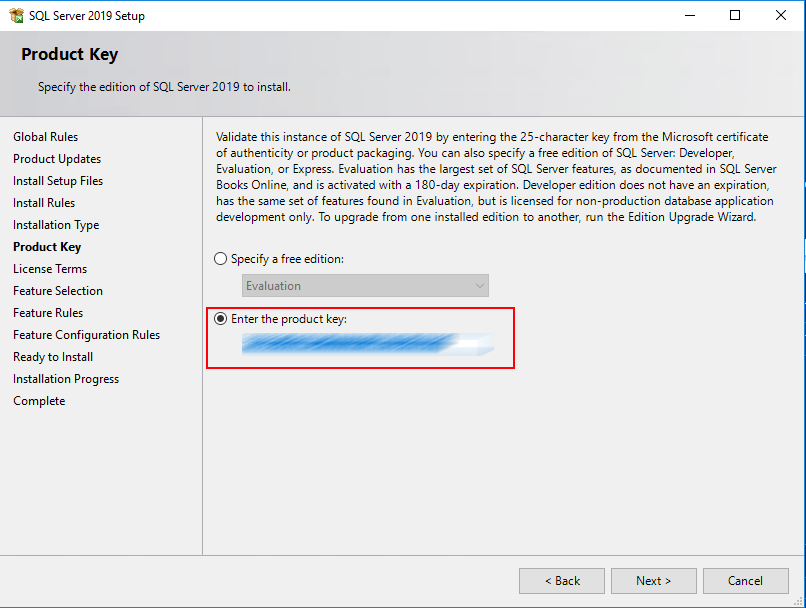
License key SQL Server Setup

Download Reporting Services 2019, run setup, and paste the key: License key SQL Server Setup
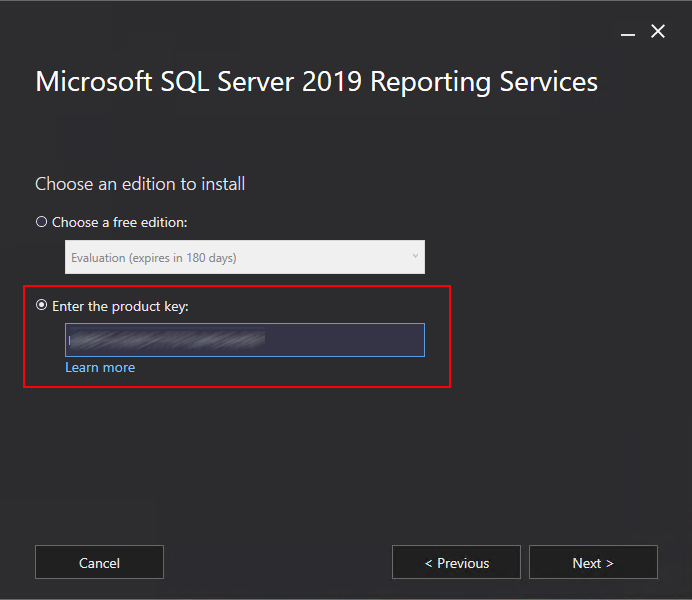
Continue your setup.

/

Ads appear here only after advertising consent.