Erwin Bierens

Knowledge is Power

Leaving guest tenant - Microsoft Teams

2018-06-20 1 min read Microsoft Teams Erwin Bierens

You now will have the possibility yo leave a guest tenant (https://docs.microsoft.com/en-us/azure/active-directory/b2b/leave-the-organization).

In this how to i will show you how to do this.

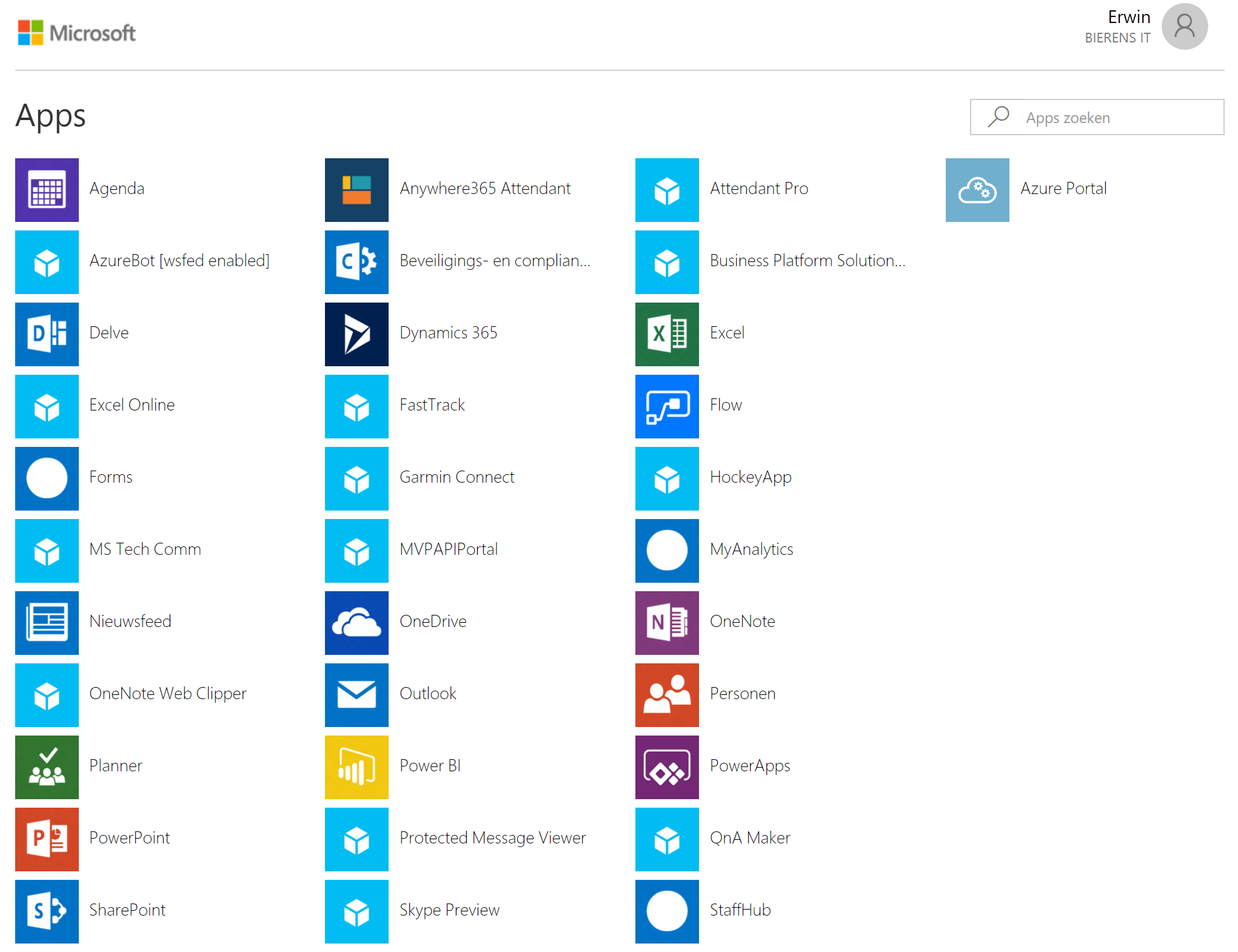
  1. Go to the MyApps portal  and login with your Office365 Account
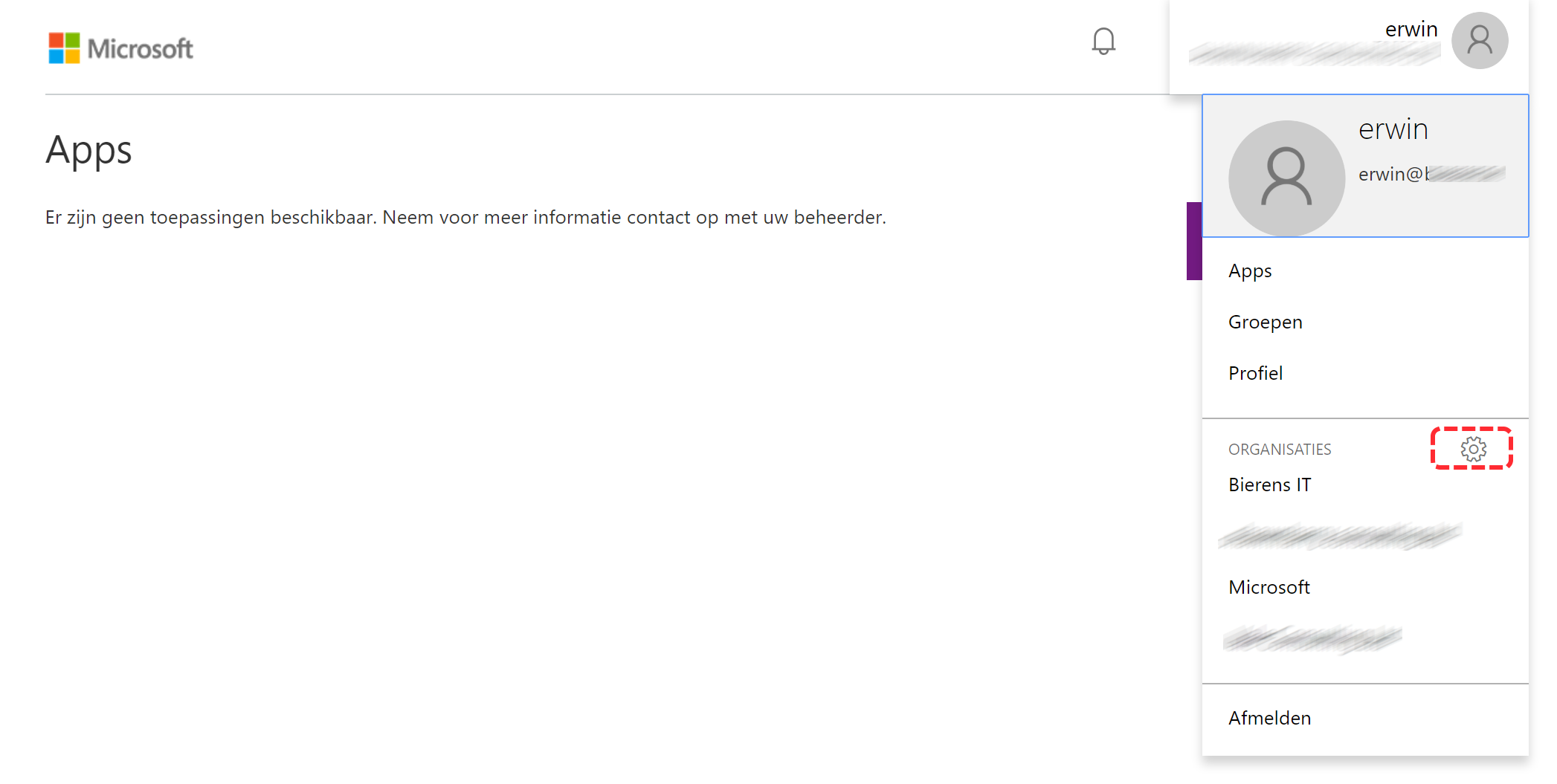
  2. Go to your profile (right corner) and click the settings icon.
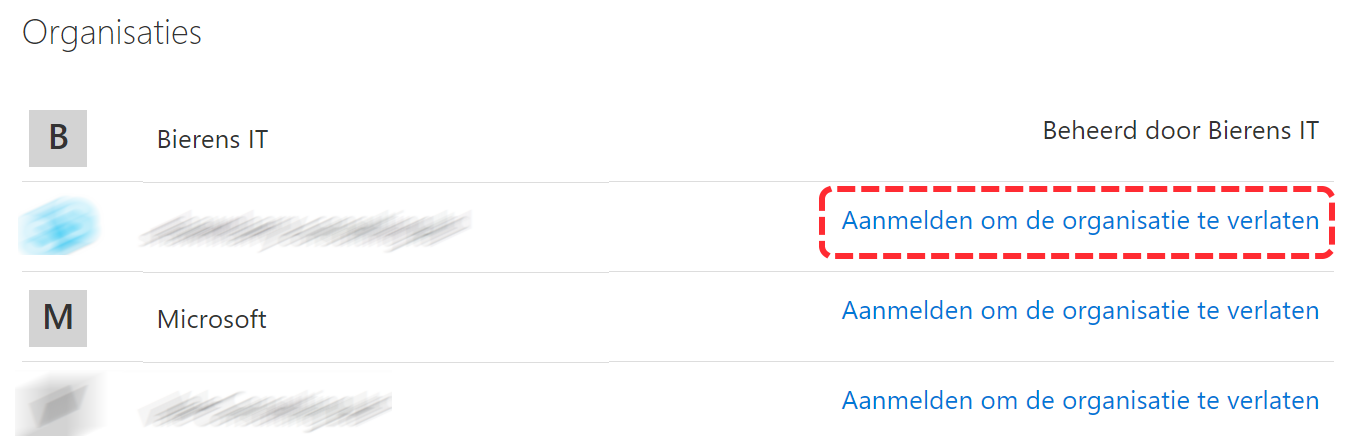
  3. Below Organizations you will see the tenants listed where you have access to
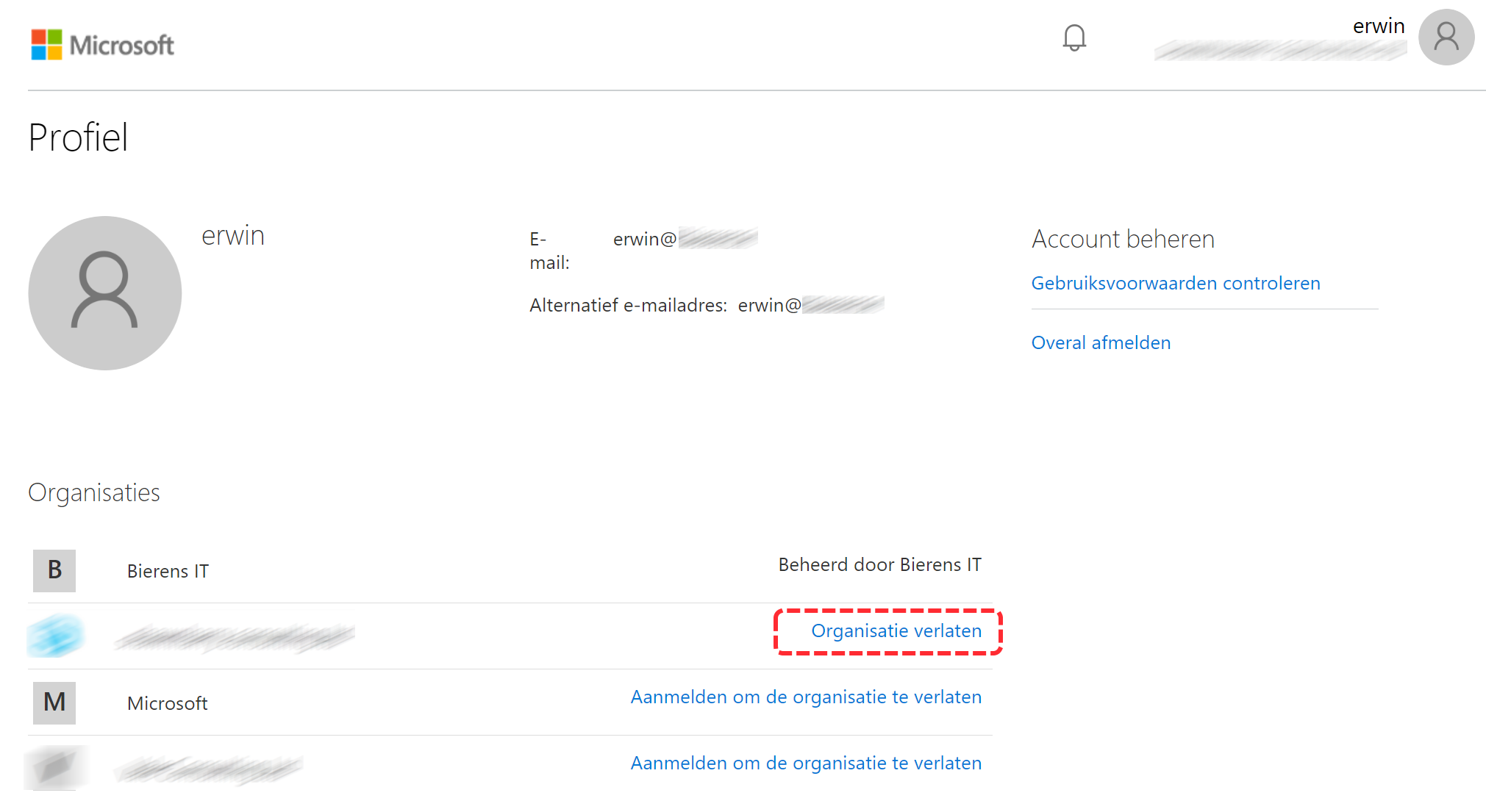
  4. Click the organization you want to leave. You will now automatically login to the tenant.
  5. Click again to the Profile > Settings.
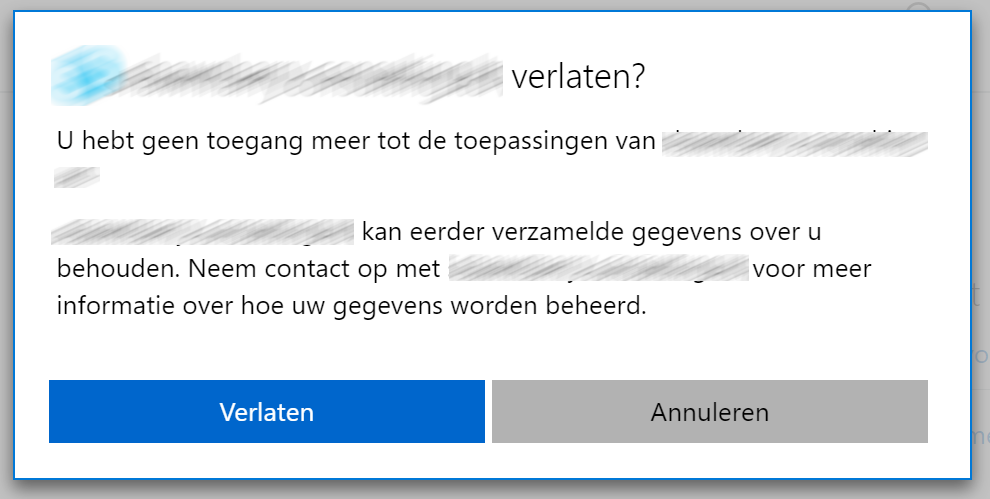
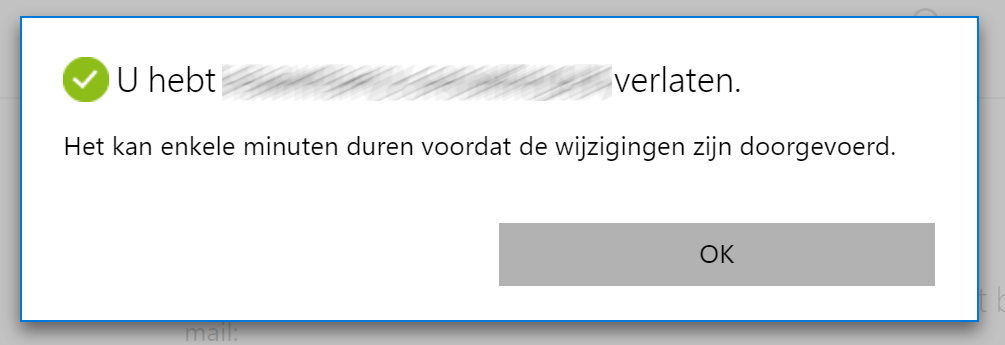
  6. You can now click “Leave Organization” to leave the tenant. Click “leave” to confirm
  7. Confirmation of leaving the ticket.
/

The New Microsoft Teams & Skype for Business Admin Center

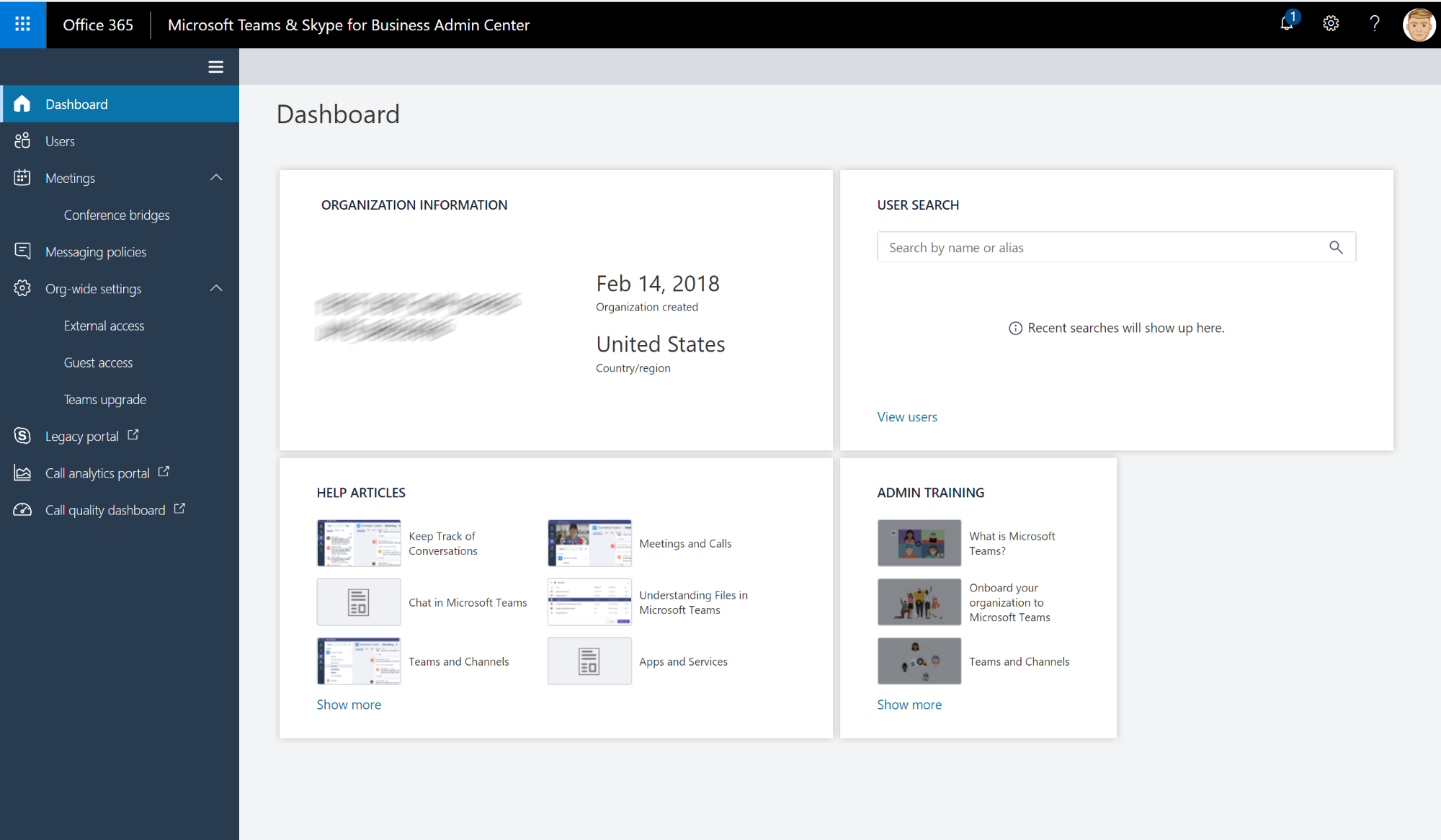
To enable a better manageability for admins, Microsoft has started to roll out a new Microsoft Teams & Skype for Business Admin Center.

/

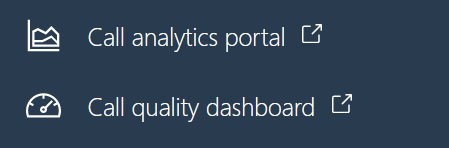
This new experience provides you with a unified experience to manage both Teams and Skype for Business and will also incorporate Call Analytics and the Call Quality Dashboard (direct links to the legacy portals).

Create a Microsoft Teams messaging policy

This is where you can create custom policies to disable deleting or the use of Giphys in conversations

Continue reading

Quality of Service Config Script for Microsoft Teams

2018-03-30 1 min read Microsoft Teams Erwin Bierens

Quality of Service (QoS) is a mechanism that lets you prioritize certain types of network traffic. Prioritizing the traffic for real-time communications services such as Teams is important in order to deliver a business-grade user experience. For QoS to be truly effective, a QoS-capable connection must be configured end-to-end (PC, network switches, and routers to the cloud), because any part in the path that fails to support QoS could degrade the quality of the entire call.

Continue reading

Move your email conversation to Microsoft Teams

2018-03-30 2 min read Microsoft Teams Erwin Bierens

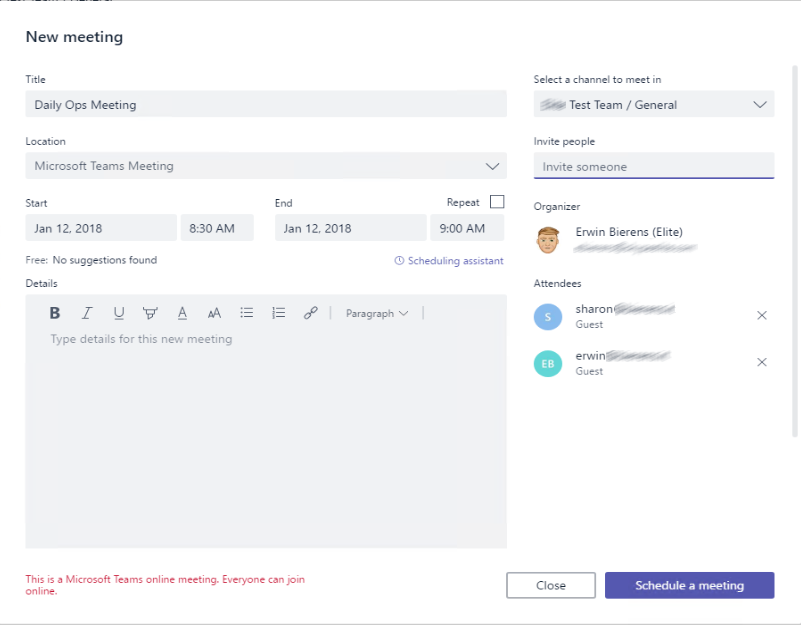
Do you recognize the situation that you have a Team in Microsoft Teams and members of the team keep sending you emails instead of using the chat and collaboration functions in Teams?

You can now move your email conversation including the attachments to your Teams channel and continue the conversation in your Teams channel.

/

Let’s move your conversation to Teams channel

In the Teams client while selecting the channel where you want to port your conversation to you can click on the … now select “Get email address”

Continue reading

Anonymous Meeting Join in Microsoft Teams

2018-02-21 1 min read Microsoft Teams Erwin Bierens

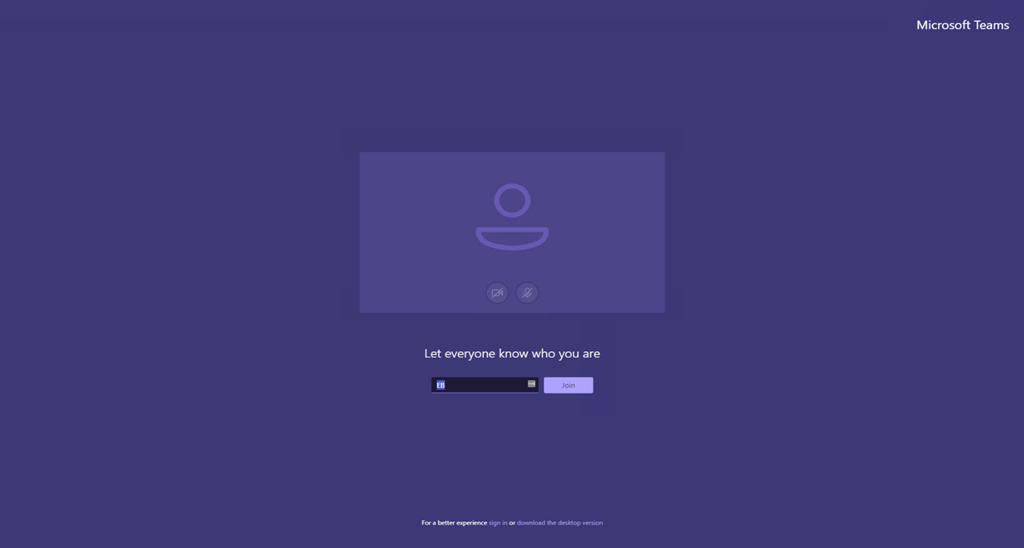
Microsoft has released the Anonymous Join feature for Teams Meetings.  You can use this feature by the following procedure.

  • Create and join a scheduled or adhoc meeting

presenter-screen-createmeeting

  • Copy the meeting join information, you can do this by opening the meeting after creating.
  • Launch either Edge (In-Private) or Chrome (Incognito)   _ // Firefox and Safari are not supported yet_
  • Paste the meeting join URL into the address bar
  • When prompted, use the web client to join the meeting anonymously

guest-screen-webinterface

Continue reading

The Command Bar–Microsoft Teams

2018-01-29 1 min read Microsoft Teams Erwin Bierens

Microsoft is releasing a new feature for the Teams client, the Command Bar. This feature allows you to quickly navigate the Teams client using shortcut commands that can be entered into the Search/Command Bar.

Some examples you can use:

Search for people, files and messages.

  • Change your status using - /busy, /away, /dnd
  • Look up a recent file and open the file using /files
  • Look up someone’s org using **/org **
  • Navigate to a channel using /goto
  • Call a person using **/call **
  • Try out other /commands

/

Older posts Newer posts